Industrial edge AI runs model inference close to the equipment or process that produces the data. A useful deployment connects that local decision to a defined operational outcome, while accounting for hardware limits, unreliable connectivity and the way the model will be maintained.
Start with a contained use case, such as assisting visual inspection. Then validate the complete path from sensor input to the action a person or application takes. This guide explains the architecture and acceptance work behind that first deployment.
Give industrial edge AI a measurable job
Describe the decision the system should support. For visual inspection, that could mean flagging a particular visible condition for an operator to review. Define what counts as a correct detection and what happens when the model is uncertain.
Also establish the baseline. Record the current inspection process, relevant failure types and the cost of incorrect decisions. An aggregate accuracy score can hide the rare defect the application most needs to detect.
Begin in a mode that lets the team compare model output with the existing process. Then decide which actions can be automated using the organization’s validation and operational controls. Keep the model’s role explicit.
Design the local processing path
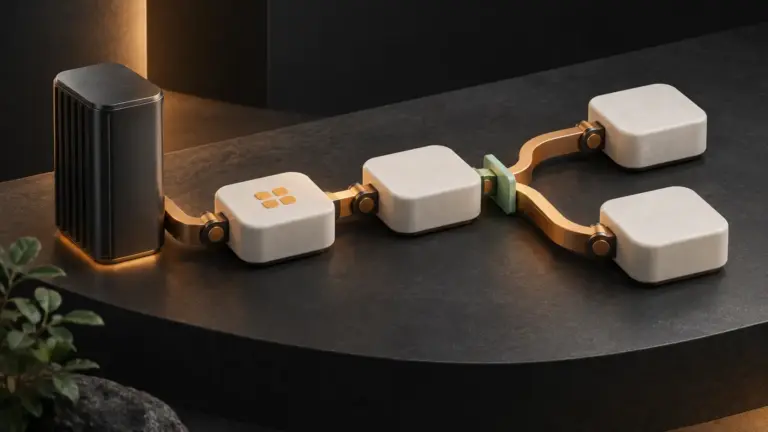
A practical architecture includes sensor acquisition, input preparation, inference, output handling and an operational interface. Also include local storage, device health and the connection used for approved updates and telemetry.
For example, a camera frame may need cropping, resizing and normalization before inference. The application then maps the output to a review queue or a permitted downstream message. Version those transformations with the model; a change in preprocessing can change its behavior.
Document which data leaves the device and why. You may need selected examples for model improvement and aggregate health data for support. Choose retention and access rules for both the local device and the receiving system.
Match industrial edge AI to the real device
Measure the complete pipeline on the intended hardware. Include capture, preprocessing, inference and output delivery. Also test sustained operation in the expected enclosure and environment rather than relying only on a short development benchmark.
NVIDIA’s Jetson power and performance documentation describes hardware power and thermal management. The general deployment lesson is to validate the device’s operating configuration: temperature, power limits and throttling can affect sustained behavior.
If you use quantization or another model optimization, repeat the quality checks after conversion. ONNX Runtime’s quantization guidance discusses accuracy and performance tradeoffs. A smaller representation should earn acceptance on the actual task and device.
Also account for memory, storage, camera interfaces and supported runtime versions. The model must fit alongside the application and its operational services, with enough capacity for the workload’s difficult cases.
Define what happens without the cloud
List which functions must continue during a network outage. Then check the dependencies behind them, including identity, time synchronization, configuration and any external service. Local inference alone does not establish that the complete application can operate offline.
Decide what to retain and how much storage the device needs. The AWS IoT failure-management guidance covers device constraints and storing data for later forwarding. Size that buffer against a defined outage and data rate.
Also define behavior when the buffer fills. The system should follow an explicit retention or escalation policy. After reconnection, use identifiers and reconciliation so repeated delivery does not create unintended duplicate records.
A worked visual-inspection pilot
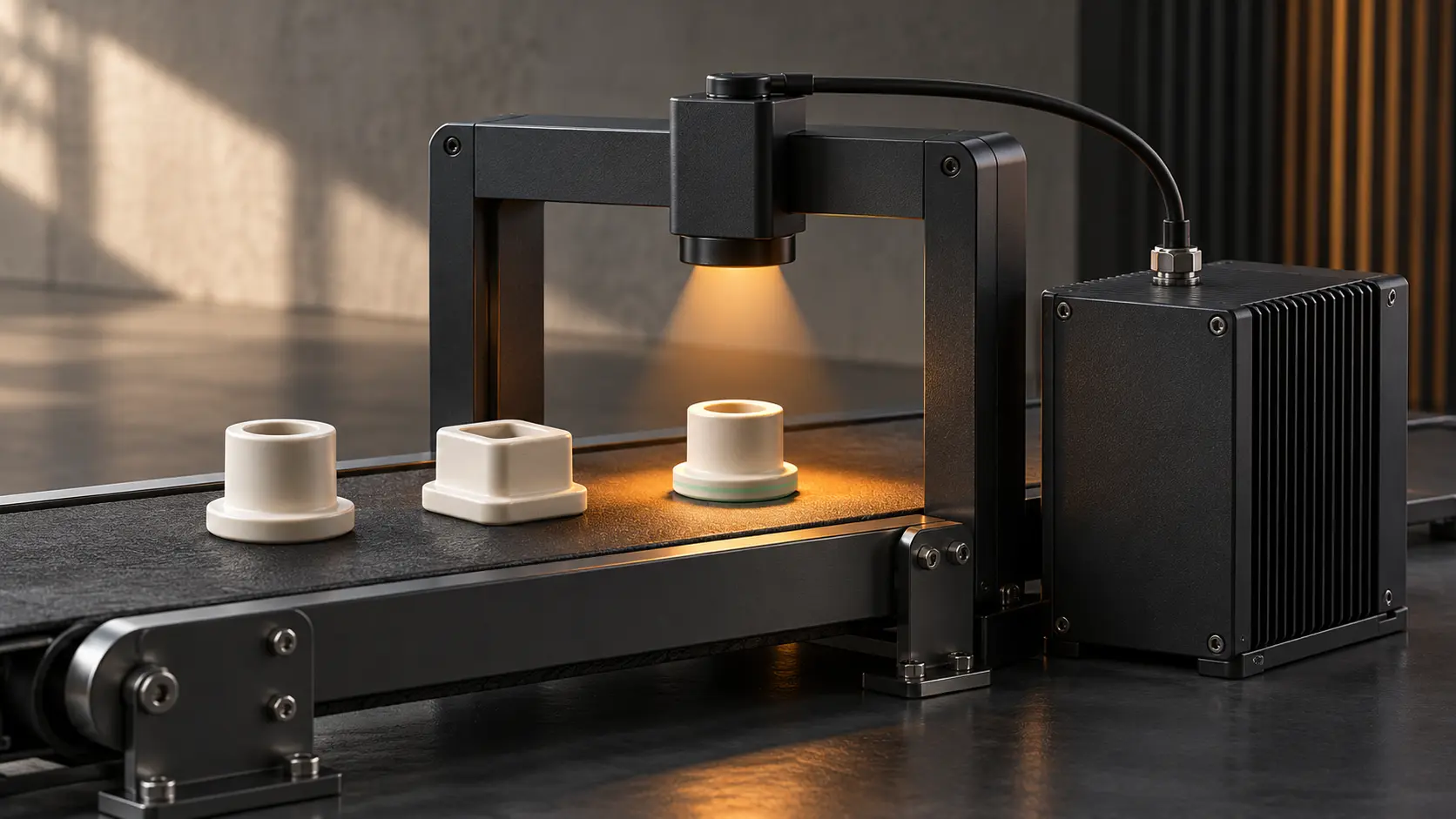
Consider a hypothetical station inspecting a defined ceramic part. The model flags a visible shape mismatch for human review. This is a proposed pilot, not a Yasa customer deployment or a claim of production accuracy.
- Collect representative permitted examples across normal lighting and positioning conditions.
- Separate evaluation examples from the data used to develop the model.
- Run the full camera-to-review workflow on the intended device.
- Record missed conditions, false alarms and end-to-end response time.
- Disconnect the network and verify the specified local behavior and storage limits.
- Reconnect and confirm that buffered results reconcile correctly.
Next, inspect the mistakes by condition. A model that works under one light may fail when reflections change. Also test an input that falls outside the supported case, such as an obscured part or an unavailable camera.
Define how the operator sees those states. “No result” should not appear as a confident pass. A useful interface shows the relevant image or reference, the result and the next supported action.
Update the model as an operating release
Keep the model artifact, preprocessing, runtime and application configuration together in the release record. Also retain a tested previous version. This helps the team identify what changed when a device starts producing different results.
Roll out to a controlled group first and observe the agreed quality and operational signals. Test interrupted updates and restart behavior. Then confirm which version each device actually runs, including devices that were offline during the rollout.
Plan the recovery path before changing a fleet. A rollback may need the matching runtime and configuration as well as the old model file. Verify the complete combination rather than assuming the artifact alone is sufficient.
Measure industrial edge AI beyond inference speed
Track the outcomes the process needs: missed conditions, false alarms, review effort and availability. Also monitor device temperature, resource pressure, queue growth and the age of the installed release where those signals are relevant.
Compare the complete workflow with the baseline over representative conditions. A faster model is useful only if the system still meets its quality and operational requirements. Finally, assign an owner for reviewing drift, updates and recurring faults.
For application interfaces and system integration, explore Yasa’s development support. A defined data path and a specific operational problem are practical starting points.
Connect the local result to a useful workflow
Tell Yasa what your edge application produces, who uses the result and which system needs to receive it. We can discuss the interface or integration work around that workflow.