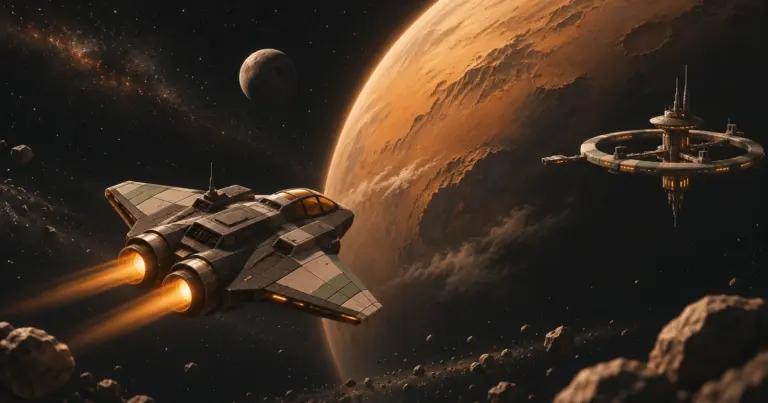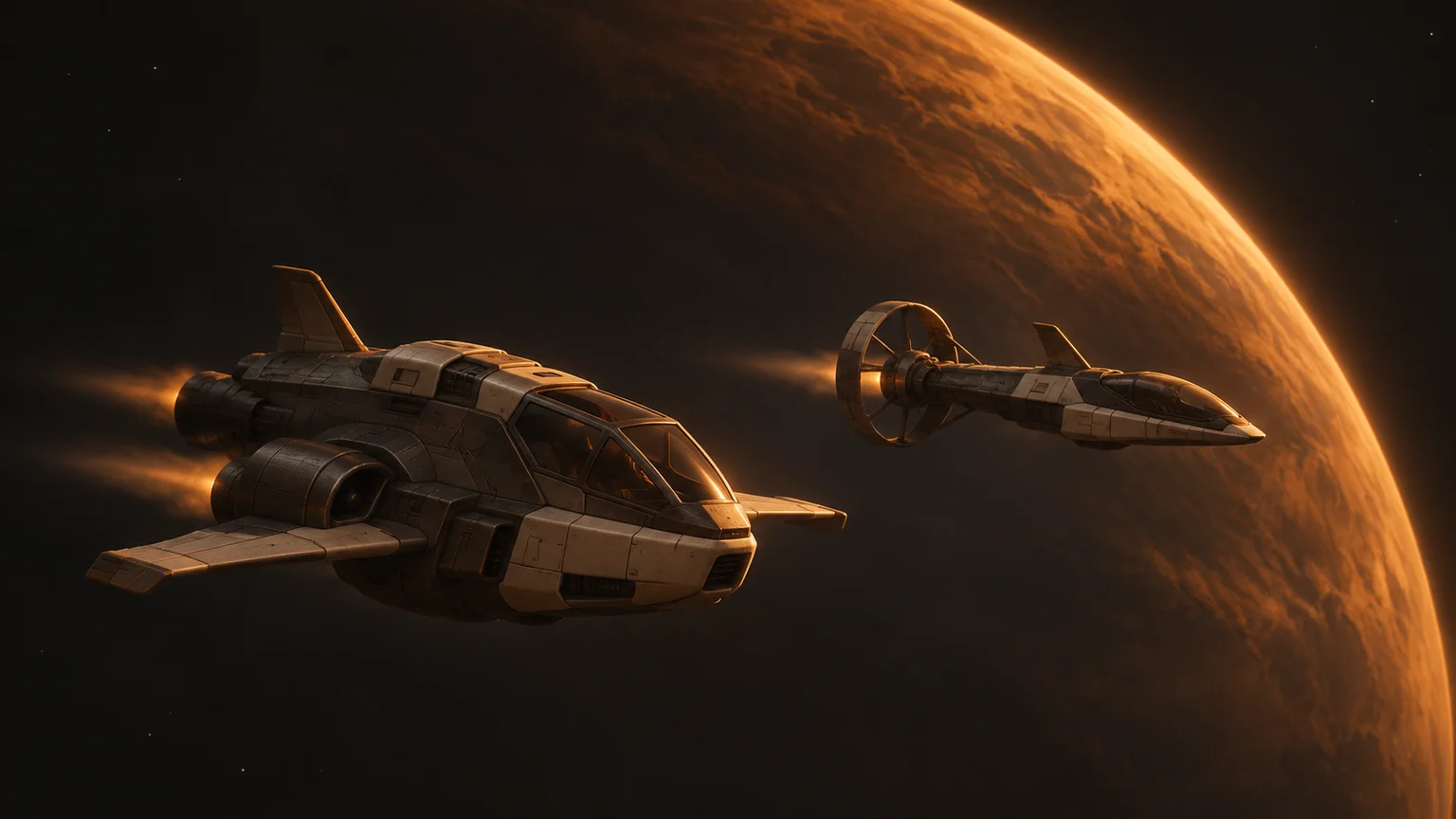
EV Nova multiplayer is live in EV Revived. Open the game in a desktop browser and bring your friends to the same star system. Each pilot flies their own ship and signs in with their own Yasa Account. There’s no separate game client to install.
Play EV Revived and choose Multiplayer from the game menu.
Flying with other pilots
In our original EV Revived launch post, we introduced the browser version of Escape Velocity Nova and outlined our plans for shared flight. Multiple pilots can now fly in the same star system at the same time. When you meet up, you can see other players’ ships moving alongside the game’s own traffic.
Your pilot has a separate save tied to your account. If you end a flight and come back later, you can continue with your own progress. In our multiplayer checks, pilots resumed their separate saves. We verified that a returning pilot kept their credits, cargo and fuel.
How to play EV Nova multiplayer
- Open EV Revived in a desktop or laptop browser. Share the same page with everyone joining you.
- Choose Multiplayer, then select Continue with Yasa Account. Each player signs in separately. Our Yasa Account guide explains the sign-in options.
- Create your multiplayer pilot or continue an existing one, then launch.
- Agree on a star system where you’ll meet. Once you’re in the system, look for the other pilots and try a short flight together.
Multiplayer keeps its own pilot, separate from your singleplayer saves. Each Yasa Account can have one active multiplayer pilot at a time. You can still choose singleplayer from the EV Revived homepage when you feel like flying solo.
Controller support in EV Nova multiplayer
You can fly with a compatible Xbox-style controller in multiplayer. Once the cockpit loads, press Escape to open the flight menu. Expand Controller controls, press any button on your controller so the browser detects it, and turn on Controller flight.
The left stick steers and controls thrust. Start opens or closes the flight menu. If the controller disconnects, EV Revived releases held inputs and returns control to the keyboard. Use the mouse for port services and other web menus. For solo flights, you can also remap buttons and adjust the stick dead zone in Pause → Controller & input settings.
Pick a system and bring friends
Pick a planet in your chosen system as a meeting point. Have your group gather there, then choose your next stop and make the trip together.